Like a lot of engineers, I eventually fell down the split ergonomic
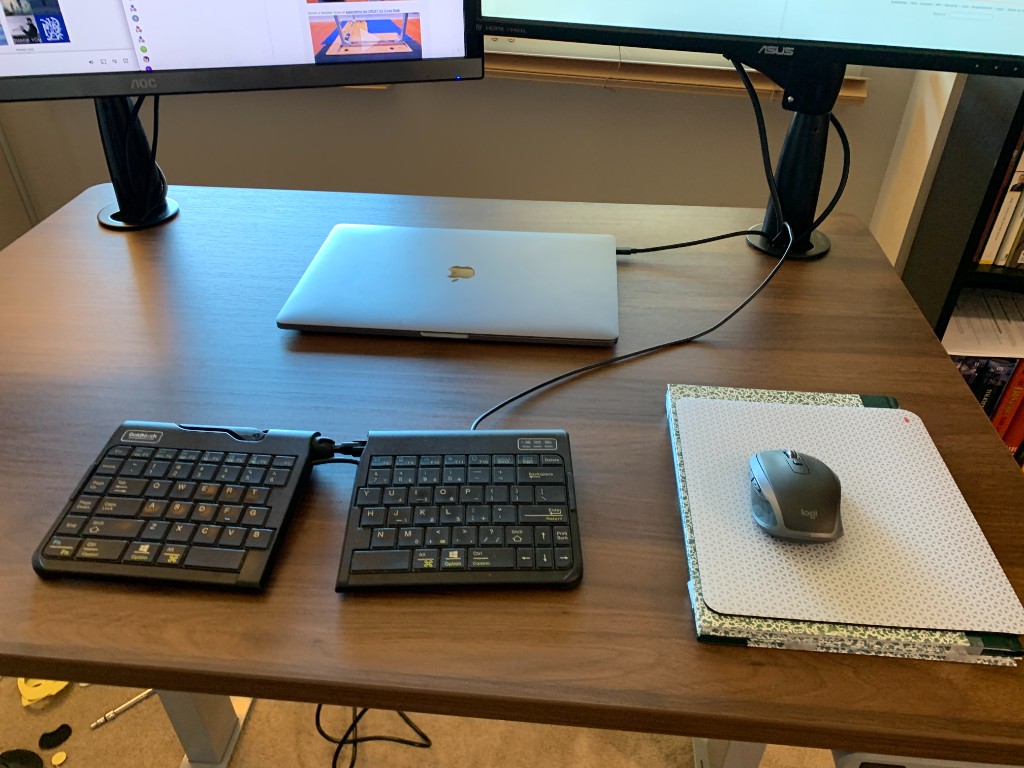
mechanical keyboard rabbit hole. My old Goldtouch Go2 membrane keyboard
was getting stiff, and I needed something better.
Goldtouch Go2 — where it all started
The requirements were simple but surprisingly hard to find: low profile,
a true split, swappable switches, and a spacebar that actually extends
far enough on the right side.
Here is a look at what I actually tried, a few boards I seriously
considered but never ordered, and where I ended up.
What I Actually Tried
In order:
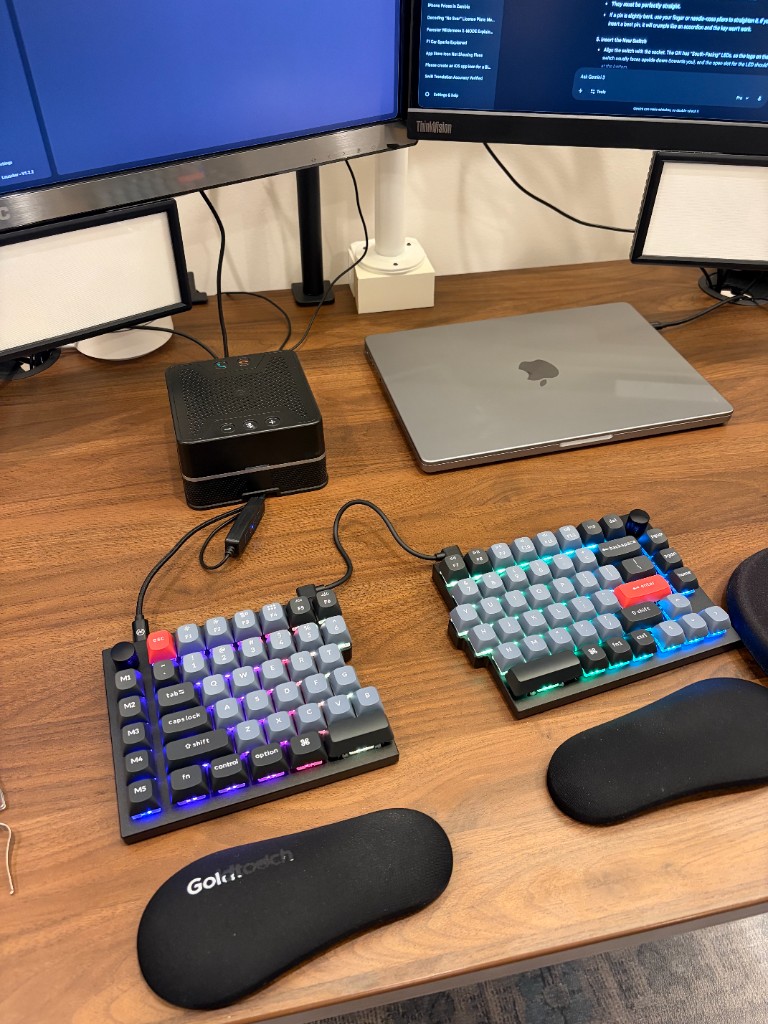
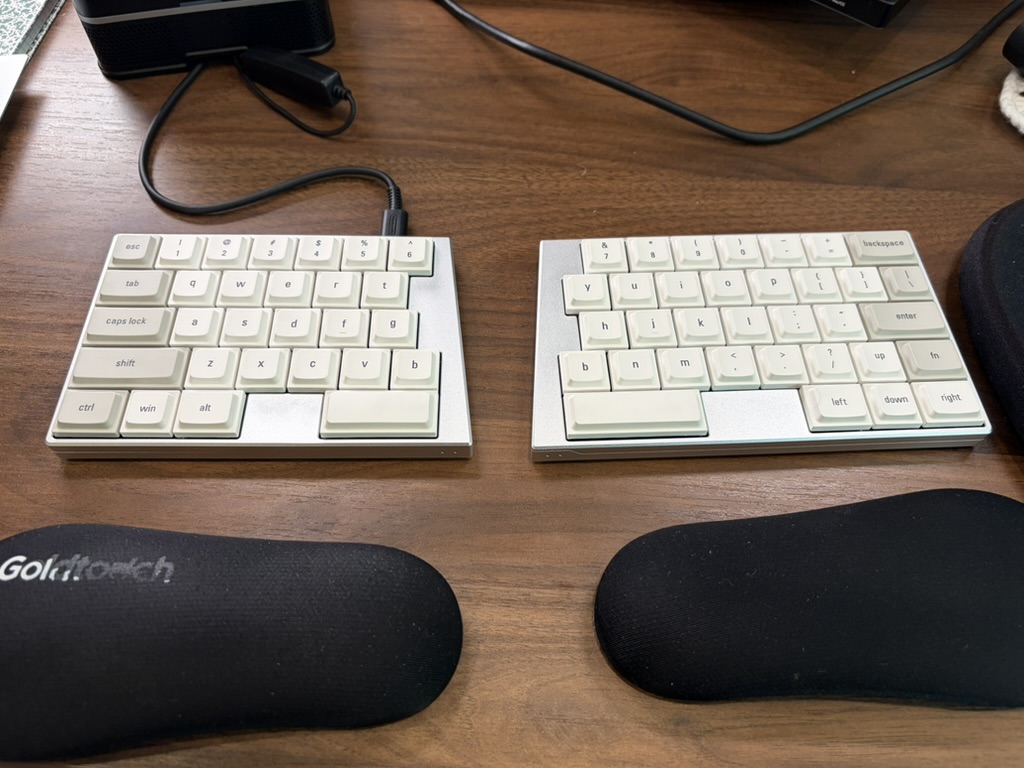
Keychron Q11: My first split mechanical. Solid board with standard layout and great build quality, but the right spacebar just wasn’t long enough. A dealbreaker for my typing style, so it went back.
Keychron Q11 — great board, wrong spacebar
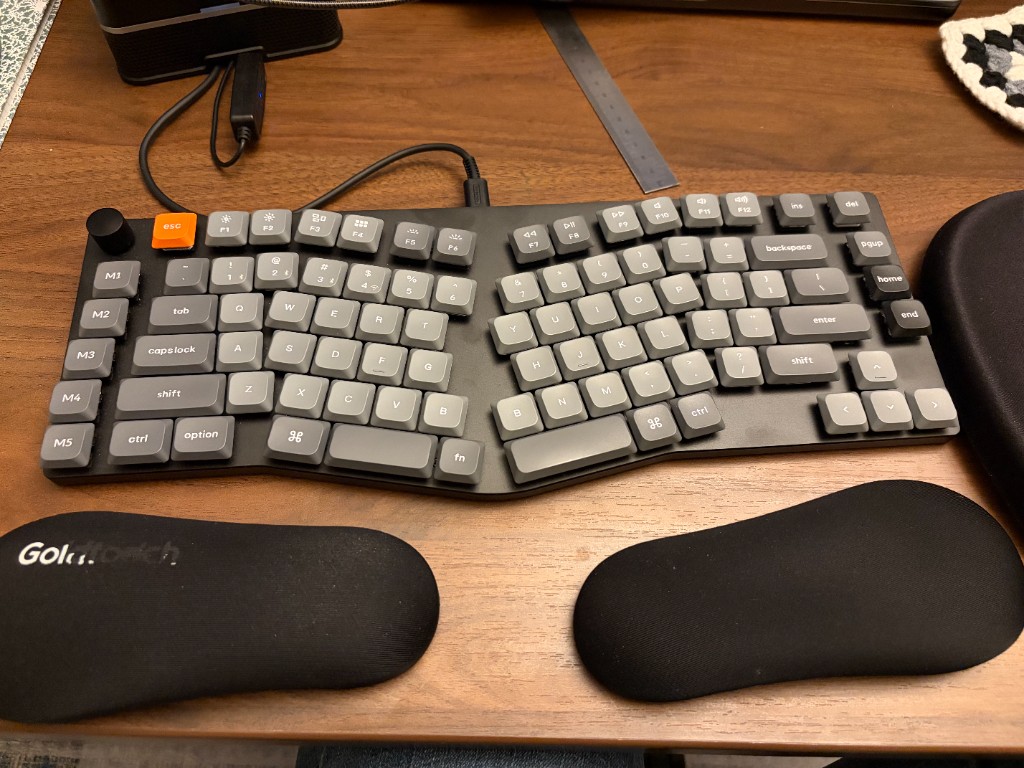
Keychron K15 Max (Alice Layout): Not a true split, but an Alice layout—and low profile, with a spacebar the right width and a great feel out of the box. It took a minute to get used to the tenting on both sides compared to my old setup, but for $100 and 3 Bluetooth connections, it’s a fantastic daily driver. I actually bought a second one for the office. (Ordered with Low Profile Gateron Mechanical Brown switches.)Keychron K15 Max — daily driver with Goldtouch wrist rests
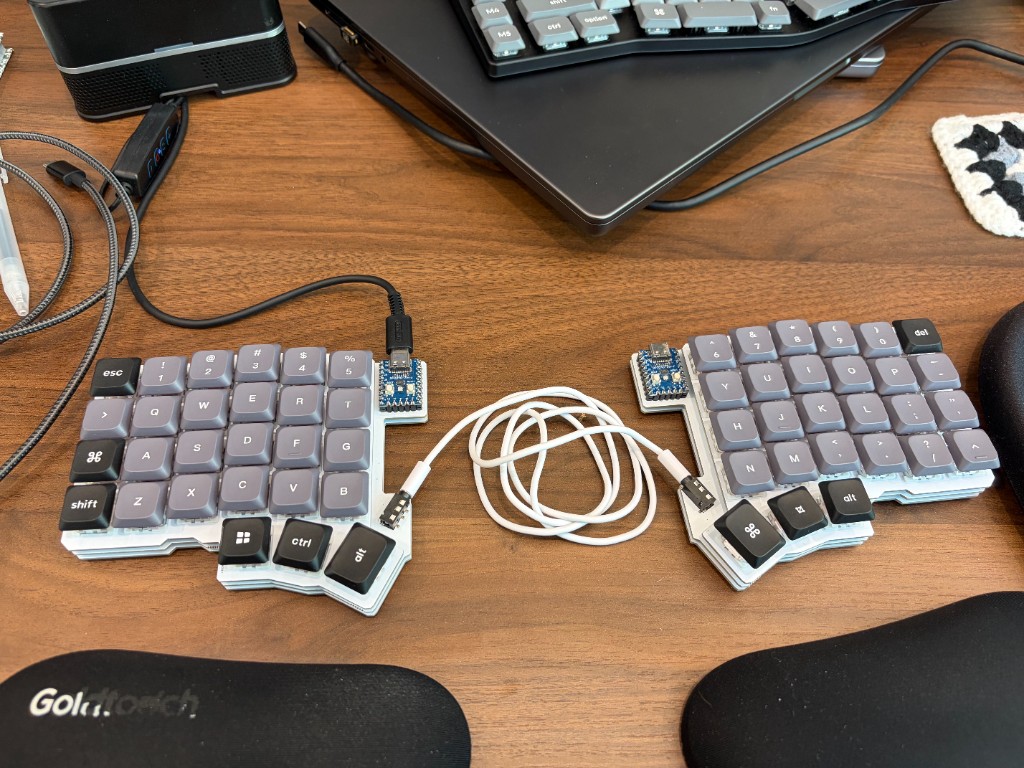
Silakka54: A tester board (with red switches) to see if I could handle a column-staggered layout, remapped with Vial. It was a weird experience with a lot of lost muscle memory—especially the ‘C’ key. I ended up having to swap the shift key back down to where it belongs to make it workable. I learned that I really need a low-profile board for this to work, and claw-typing on regular profiles isn’t for me.
Silakka54 (foreground) and Keychron K15 Max (background)
Looked At, Never Ordered
Mistel MD770 & MD600: Looked like cheap drop-in replacements, but reviews pointed to noisy soldered switches and mediocre keycaps. The MD650L would have been the perfect low-profile split, but it’s sadly discontinued.
ZSA Voyager: Beautiful, low-profile, and swappable—but expensive, with a steep learning curve. Never pulled the trigger.
Where I Landed
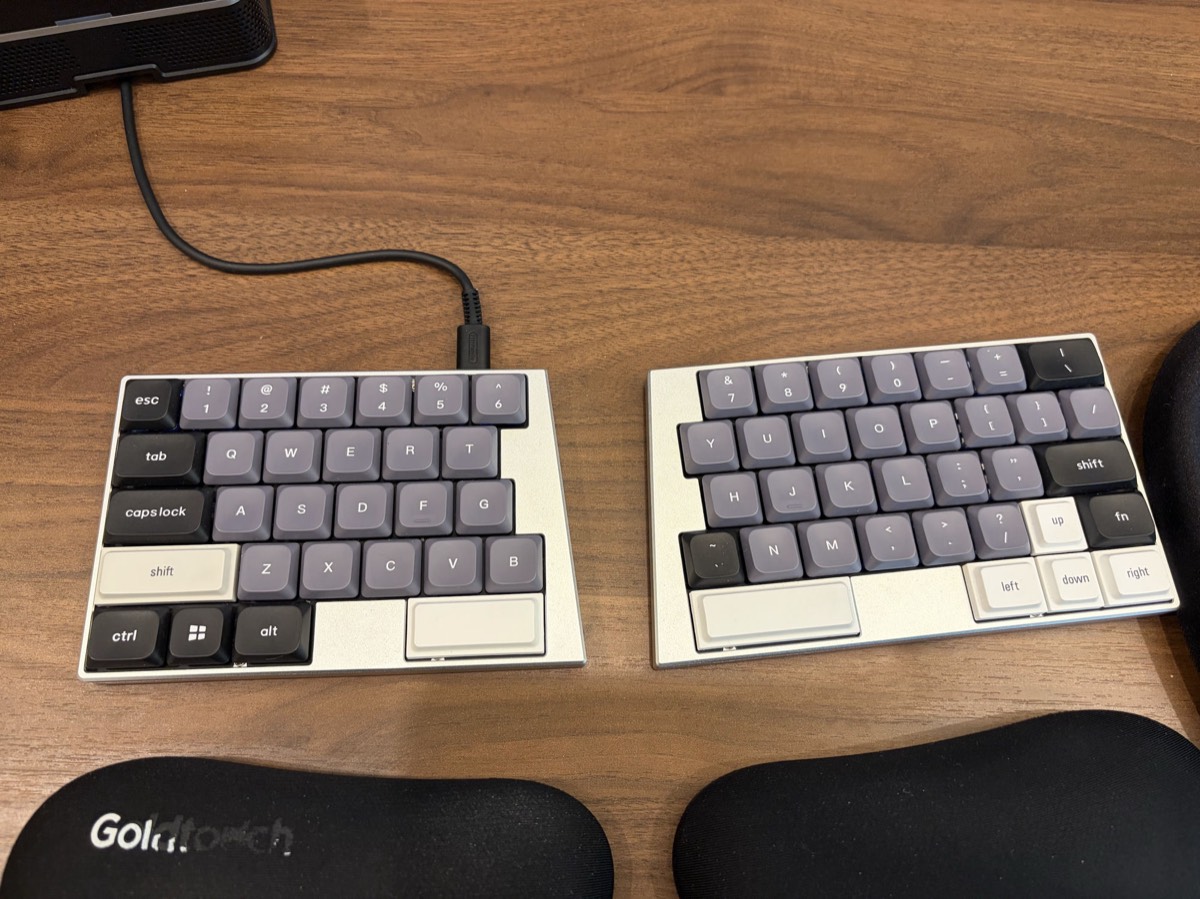
ElimKeys Elytra: This is it—low-profile, true split, mechanical, spacebar exactly where it needs to be on the right. It arrived in White with JZF Mist (Silent Linear) switches and is, out of the box, the most immediately usable board I’ve tried. The switches feel good, maybe with a touch more travel than I expected, and the stock keycaps have smaller contact pads than I’m used to—they do help avoid mis-hits, but they also mean my fingers travel farther than I’d like. One small miss I didn’t anticipate: no dedicated backtick key—I worked around it by remapping the right-side B key (which I wasn’t using) to ~, and since I always hit shift for backtick anyway, that works fine. I also switched out the letter keys for Kailh Deep Sea Islet silent linears (43gf), and they’re fantastic—a noticeable step up from the Mists.
ElimKeys Elytra in White with JZF Mist switches — as it arrived
I eventually swapped the small-pad keycaps for a full-size set, which is the configuration I’ve settled on. For a while I thought I could feel a slight lag over wireless—most noticeable on backspace, and never quite consistent enough to pin down—but between a firmware update, a cleaner wireless environment, and simply getting used to the board, it’s gone. I’m extremely happy with this keyboard, and I ordered a second one for work.
Elytra with the keycaps swapped — note the remapped ~ key on the right half
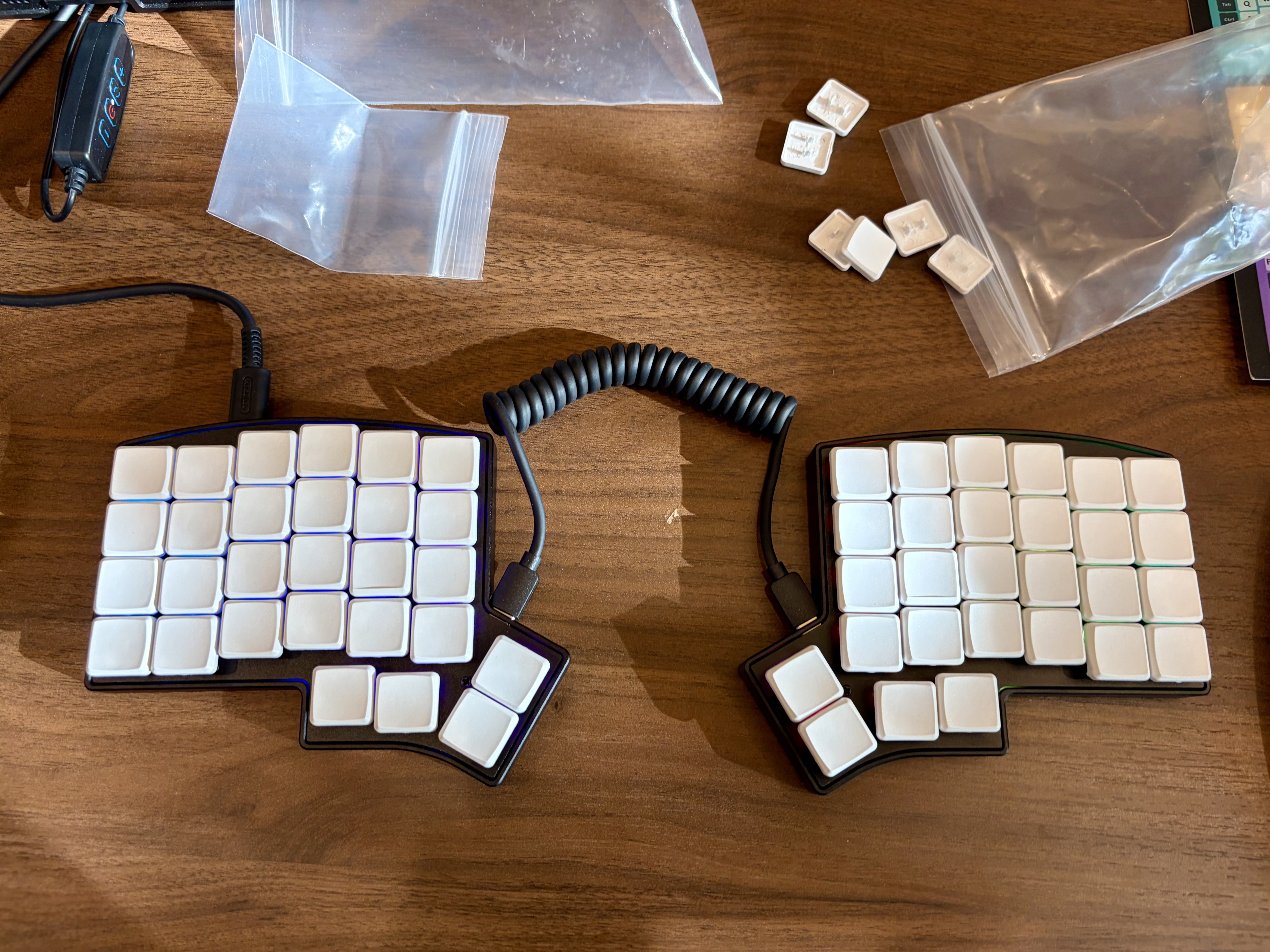
Keebio Iris CE: After enough time on the Silakka54 to know column stagger wasn’t completely alien to me, and despite the Elytra being genuinely great, I ordered one of these. High-quality build, compact Choc spacing, and enough thumb keys to do interesting things with layers. The stock switches were not good at all, and the spacing felt smaller than I expected even though smaller was exactly what I thought I wanted.
Keebio Iris CE — mid keycap swap, first day
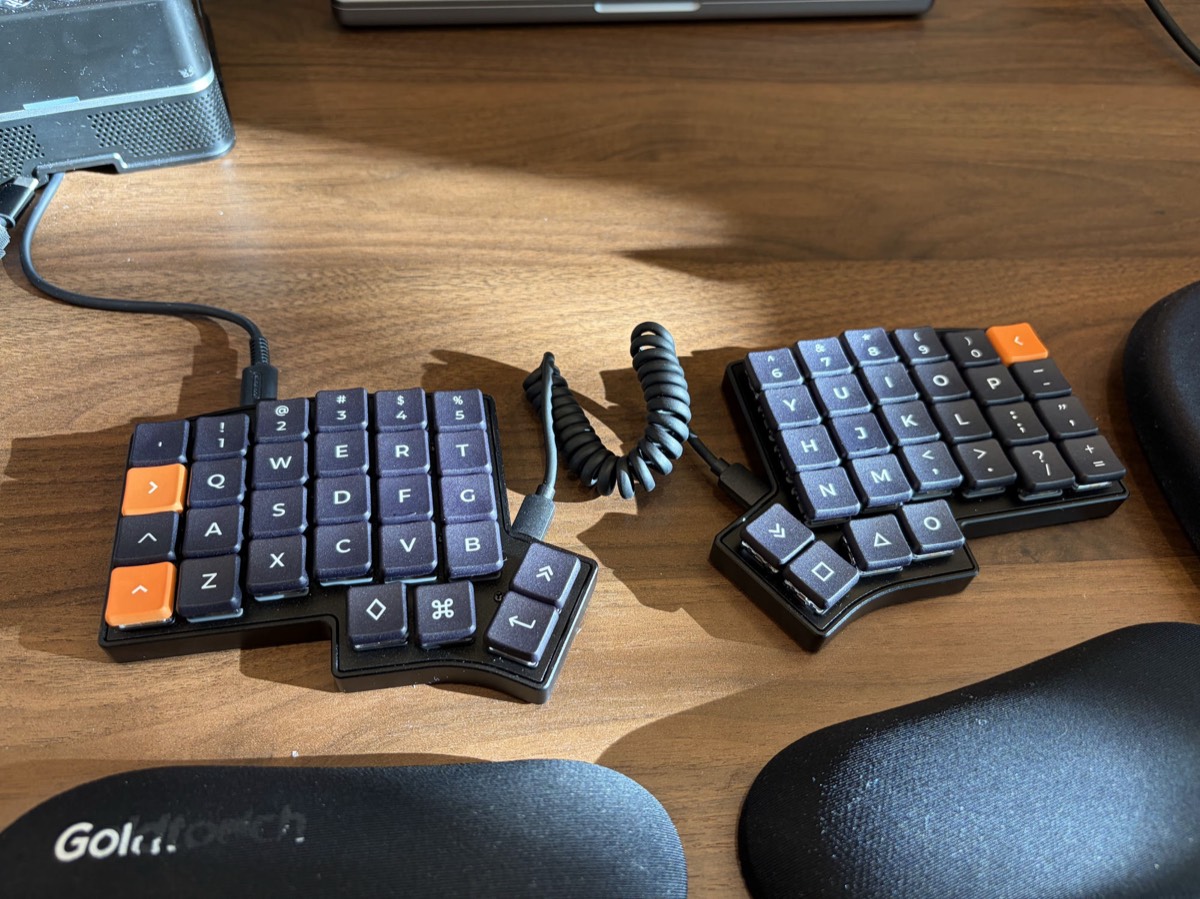
New switches and keycaps changed my mind about it. The Ambient Twilights are a huge improvement over stock—though after more typing they turned out to be a touch too light, so I have the Bokeh version on order. I’m getting genuinely comfortable with the layout now; copy/paste and the other modifiers still take a beat to find, and coming back to my laptop keyboard is briefly awkward, but this one is a keeper. The plan is to work it into my habits slowly enough that eventually I can move between boards without thinking about it.
Iris CE with new switches and keycaps — the configuration I’m keeping
The Switch Quest (Finding the Ultimate Office Switch)
Finding the right board is only half the battle; finding switches that
don’t make my coworkers hate me is the other. Here is every switch
I’ve actually put in a board, with the specs as published by the
manufacturer or the seller I bought from:
Switch
Type
Operating Force
Pre-Travel
Total Travel
Gateron KS-33 Low Profile Red
Linear
45±15gf
1.7mm
3.0mm
Akko Penguin
Silent tactile
50±5gf
2.0mm
3.3mm
Keychron Low Profile Silent Red
Silent linear
40±10gf
1.4mm
2.7mm
Gateron KS-33 Silent Brown
Silent tactile
55±15gf
1.7mm
3.0mm
Gateron KS-33 Silent Red
Silent linear
45±15gf
1.7mm
3.0mm
Gateron KS-33 Silent White
Silent linear
38gf
1.7mm
3.0mm
JZF Mist (Elytra stock)
Silent linear
37±10gf
—
2.8mm
Kailh Deep Sea Islet
Silent linear
43±10gf
1.3mm
2.8mm
Ambient Twilight (Iris CE)
Silent linear
35gf
1.49mm
2.95mm
Ambient Bokeh
Silent linear
50gf
1.5mm
3.0mm
Sources for the harder-to-find numbers:
lowprokb
for the Ambients and
ElimKeys
for the JZF Mist, which is the one switch here with no published pre-travel figure.
The long version, in the same order:
Gateron KS-33 Low Profile Red: The non-silent low-profile linear that Keychron ships, and the one I started on. Felt genuinely nice—not clicky, but a solid tap on every keystroke, and just too loud to use around other people. Oddly they feel lighter than the Silent Reds despite being rated 45gf against 40gf; I think it’s the bottom-out doing that.
Akko Penguin: Decent feel, but at 50gf with a 3.3mm stroke they needed more pressure and more travel than I wanted. Hard to judge fairly—they were in a board I didn’t like to begin with.
Keychron Low Profile Silent Red: Light and pleasant, noticeably muddier than the standard Reds, and the shortest stroke of anything here at 2.7mm—close to a laptop keyboard. Much less clicky, but you can still clearly hear typing.
Gateron KS-33 Silent Brown: Extremely quiet—almost no sound at all. The heaviest switch I tried at 55gf, and slightly mushy, more like a membrane keyboard; the 0.3mm of extra travel over the Keychrons isn’t noticeable. A solid office compromise if you want tactility.
Gateron KS-33 Silent Red: Quieter than the Keychron Silent Reds by a huge margin, and 10gf lighter than the Browns without giving up much. Slightly mushy, but the obvious choice for typing near other people—I swapped everything over to these.
Gateron KS-33 Silent White: At 38gf, the lightest of the Gateron silents, and past the point of diminishing returns for me. A little weight is what keeps me from triggering accidental presses, so I passed.
JZF Mist: What the Elytra shipped with. Good silent linears, light at 37gf, with a bit more travel than I expected—no complaints, they just got beaten by the Deep Sea Islets.
Kailh Deep Sea Islet: The overall winner. Light, quiet, and a clear step up in feel from the Gateron Silents. I put them on the letter keys of my Elytra and immediately wanted more of them. They are the slightly heavier switch on paper—43gf against the Mists’ 37gf—which matches the small readjustment I felt coming off the Mists. If you want the best silent linear I’ve found, this is it.
Ambient Twilight: Bought to replace the awful stock switches in the Iris CE, and the difference is enormous—they are most of the reason I stuck with that board. After a lot more typing, though, 35gf is a bit too light for me.
Ambient Bokeh: On order. Same family as the Twilights but 50gf, which should be the weight I actually want. Report to follow.